Key takeaways
Fill, sign, and submit Robins Parent Teacher Organization Cashier Report from any browser — or have AI generate a custom version in seconds. No installs, no printing, no back-and-forth.
- The Cashier Report Form tracks starting and ending cash box totals for the Robins Parent Teacher Organization.
- Both the Treasurer and the Cashier must sign the document to verify the accuracy of the recorded funds.
- Users must complete specific fields for the date and any financial additions or subtractions made to the cash box.
- This document serves as a financial verification tool to ensure accountability for cash handled during organization activities.
- No specific filing deadline is mandated, as the form is used for internal financial tracking and recordkeeping.
What is Robins Parent Teacher Organization Cashier Report?
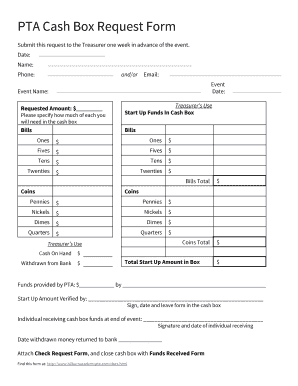
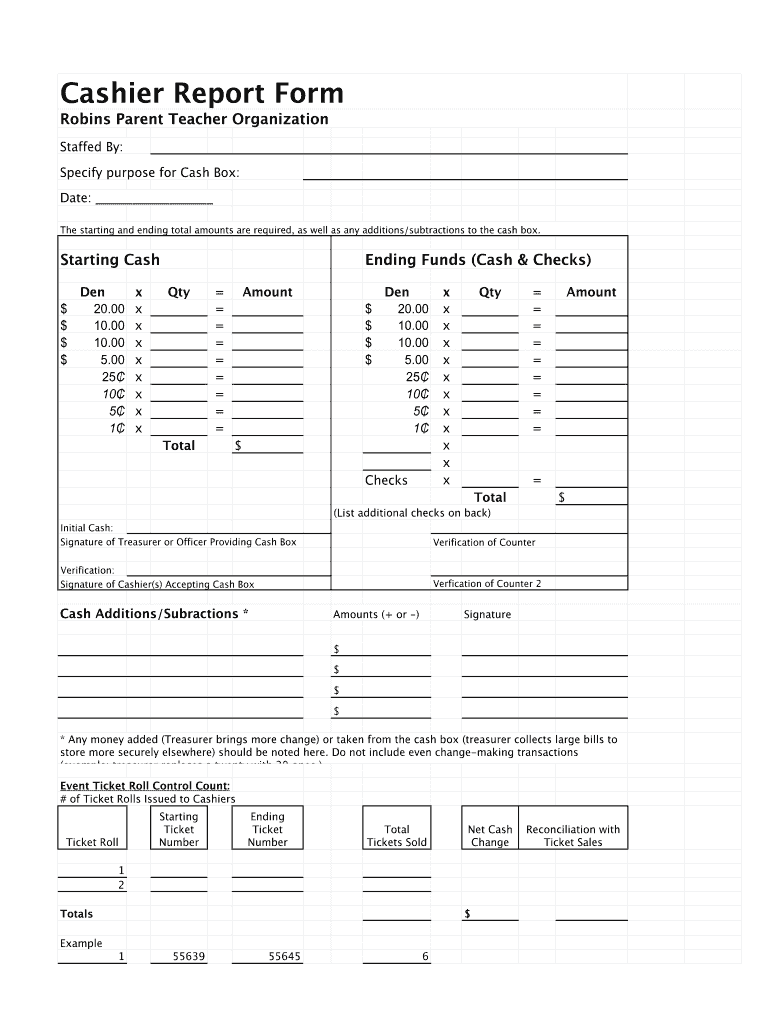
Cashier Report Form is a document used by the Robins Parent Teacher Organization to track and verify the starting and ending totals of a cash box. This document serves as a tool for recording any additions or subtractions made during a specific event or timeframe. By documenting these changes, the organization ensures that all funds are properly accounted for from the moment the cash box is opened until it is closed and settled. This process helps maintain accurate financial records for the group.
This financial verification form captures essential details such as the date and specific verification fields for auditing cash box totals. It includes dedicated sections for documenting the movement of currency, facilitating a clear trail for the organization's treasurer. To finalize the process, the document requires the signatures of both the Treasurer and the Cashier or Cashiers involved. These signatures confirm that the recorded amounts accurately reflect the physical contents of the cash box at the time of verification.
Issued by the Robins Parent Teacher Organization.
Who needs the Robins Parent Teacher Organization Cashier Report — and who doesn't
Not everyone files Robins Parent Teacher Organization Cashier Report. The checklist below tells you whether it applies to your situation — and points you to the right alternative if it doesn't.
You need this Robins Parent Teacher Organization Cashier Report if…
- You are a member of the Robins Parent Teacher Organization responsible for managing event funds.
- You are serving as a Cashier and must document the starting and ending totals of a cash box.
- You are a Treasurer who needs to verify financial additions and subtractions for record-keeping purposes.
You do not need this Robins Parent Teacher Organization Cashier Report if…
- You are not affiliated with the Robins Parent Teacher Organization or involved in its financial reporting.
- Your financial activity does not involve the use or verification of a physical cash box.
Why you need the Robins Parent Teacher Organization Cashier Report
Why people fill out Robins Parent Teacher Organization Cashier Report, and what tends to go wrong when they don't.
-
Ensure Financial Accuracy Use the dedicated verification fields to document every addition and subtraction from the cash box. This process ensures that starting and ending totals are reconciled and accounted for accurately.
-
Verify Transaction Responsibility The form captures signatures from both the Treasurer and the Cashier. This dual-verification process establishes clear responsibility and confirms that both parties agree on the final cash box totals.
-
Secure Digital Management Complete, sign, and store your reports using pdfFiller to maintain a digital paper trail. The platform provides secure encrypted storage, keeping your Robins Parent Teacher Organization financial records organized and accessible.
What each section of Robins Parent Teacher Organization Cashier Report means
Every section explained — what it's asking, the records you'll need on hand, and the mistakes that most often cause a rejection or follow-up request.
| Report Date | The person completing the form enters the specific calendar date on which the cash box is being audited and the report is being prepared. |
|---|---|
| Cash Box Verification | Input the starting and ending amounts for the cash box, including any specific additions or subtractions that occurred during the tracked session or event. |
| Treasurer Signature | The Treasurer provides their signature on this line to formally certify that the starting and ending cash totals have been reviewed and are correct. |
| Cashier Signatures | The cashiers responsible for the funds sign this section to confirm they have verified the final totals and any changes made to the cash box. |
How to fill out Robins Parent Teacher Organization Cashier Report using pdfFiller
A walkthrough from the first field to the signature line. With your records in front of you, most people finish in under ten minutes.
-
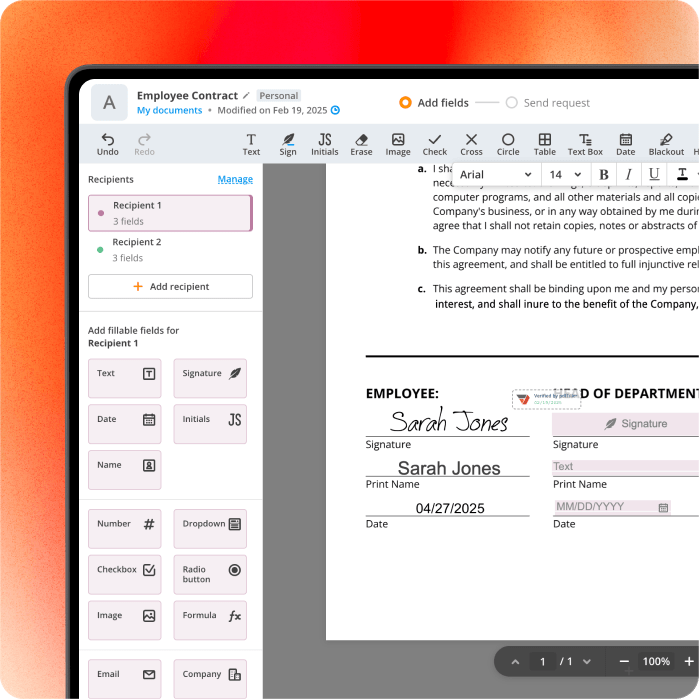
Open the Document Click Get Form to open Cashier Report Form in the pdfFiller editor to begin the process of documenting and verifying your organization's cash box totals.
-
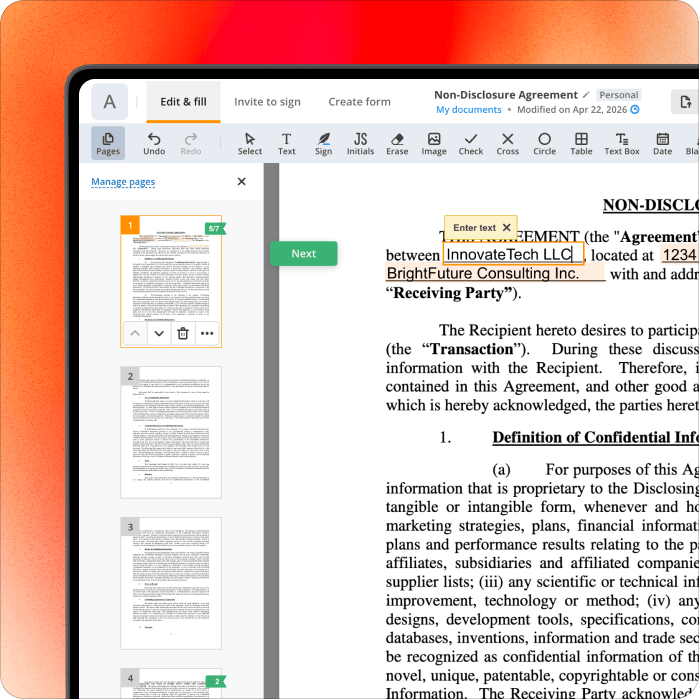
Enter the Date Select the blank field for the date and type the specific day, month, and year to provide a chronological record for this financial statement.
-
Record Starting Totals Navigate to the Cash Box Verification Fields and input the initial currency amounts to establish the starting balance for your reporting period.
-
Document Cash Changes Type any additions or subtractions into the designated verification fields to ensure all financial activity is accurately captured and accounted for in the report.
-
Input Ending Totals Complete the cashier report template by entering the final ending totals in the remaining verification fields to reconcile the cash box balance for the session.
-
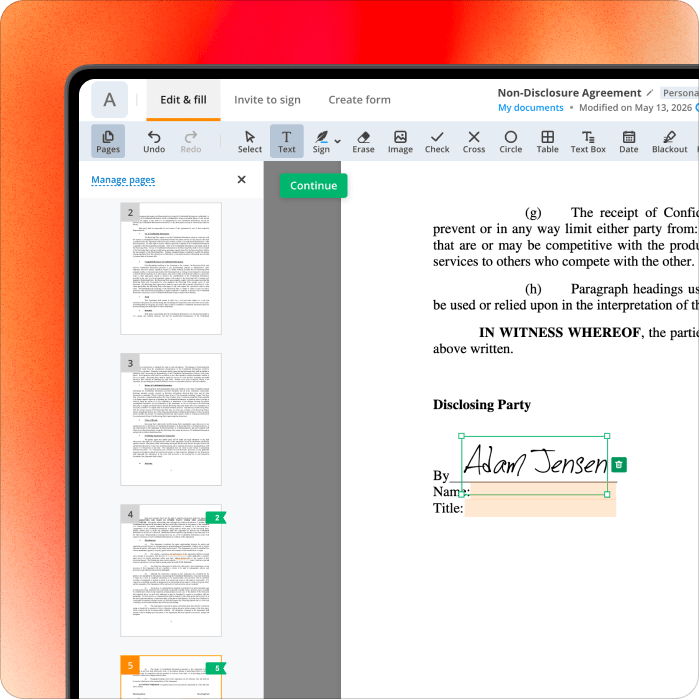
Sign as Treasurer Select the Treasurer signature line to add a legally binding e-signature using the platform's secure signing tools to officially verify the financial data.
-
Add Cashier Signatures Click the Cashier signature fields to sign the document or use the Send for Signature feature to request the necessary verification from other team members.
-
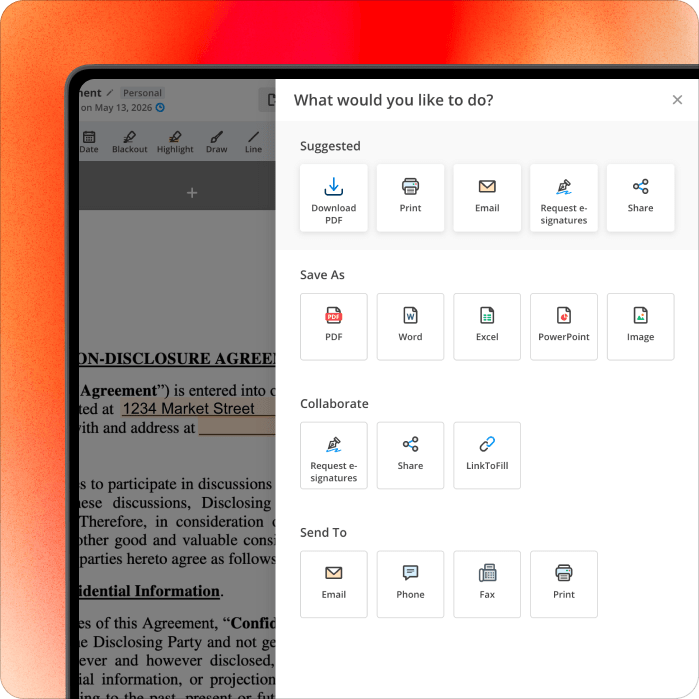
Save and Share Store the finished PDF in secure encrypted storage that is GDPR and SOC 2 compliant, or share the document via email or link directly from the platform.
Related content
The forms, guides, and worksheets most filers reach for alongside Robins Parent Teacher Organization Cashier Report.
Key terms used in Robins Parent Teacher Organization Cashier Report
A one-sentence glossary of the Robins Parent Teacher Organization Cashier Report terms and concepts you'll see throughout this guide.
- Cashier Report Form
- A financial verification document used to track and reconcile starting and ending totals for a specific cash box.
- Cash Box Verification
- Fields used to record and confirm the total amount of currency, including any changes made during the reporting period.
- Treasurer
- The designated official who reviews the financial data and provides a signature to verify the accuracy of the report.
- Cashier
- The person handling the funds who is required to sign the form to confirm the reported cash totals.
- Additions
- Specific entries on the form representing money added to the cash box that must be accounted for in the total.
- Subtractions
- Entries recording any funds removed from the cash box, which are subtracted from the total during the verification process.
Frequently asked questions about Robins Parent Teacher Organization Cashier Report
Quick answers to the questions we hear most often about completing the Robins Parent Teacher Organization Cashier Report.
The Cashier Report Form is used by the Robins Parent Teacher Organization to track and verify the starting and ending totals of a cash box. This document ensures financial transparency by recording any additions or subtractions made during an event. Using this form helps the organization maintain accurate records of all cash transactions handled by designated personnel.
This form must be signed by both the Treasurer and the Cashier or Cashiers involved in the transaction. These signatures serve as a formal verification of the financial data recorded in the report. With pdfFiller, you can easily add legally binding e-signatures to the document or request signatures from other parties through a secure link or email.
A pto cash box report includes the date of the activity and detailed fields for tracking starting totals, additions, subtractions, and final balances. These verification fields are essential for reconciling funds at the end of a Robins Parent Teacher Organization event. The form provides a structured way to document every change in the cash box's contents for audit purposes.
You can complete the treasurer signature form by uploading it to pdfFiller and using the online editor to fill in the date and verification fields. The platform allows you to type directly into the document, add your signature, and then share the finished PDF with others via email or fax. This streamlines the process of managing financial reports for the organization.
No, the Cashier Report Form does not require notarization to be valid according to the Robins Parent Teacher Organization's requirements. It only requires the signatures of the Treasurer and the Cashier(s) to verify the cash totals and transactions. Since it does not handle notarizable data, you can simply sign and store it securely in your pdfFiller account.
The form includes a date field, multiple cash box verification fields for tracking totals, and dedicated signature lines for the Treasurer and Cashiers. These sections are designed to provide a clear audit trail for all money handled during a specific period. By using these fields, the Robins PTO can ensure that all cash additions and subtractions are properly documented.